Maria runs a small skincare brand out of her apartment in Austin. She has a great product, a loyal base of repeat customers, and exactly zero budget for a graphic designer. Every time she needs a new Instagram post or a banner for her website, she either spends three hours fumbling with templates or pays $80 for something that still feels generic.
Six months ago, she discovered a no-code AI image generator. Last month, she created 40 custom visuals in an afternoon — product mockups, lifestyle photos, social media banners — all without touching Photoshop. Her engagement tripled.
This is not a story about technology replacing designers. It is a story about what happens when the barrier to great visuals effectively disappears.
Why Visuals Are Now a Business Non-Negotiable
Posts with images get 650% more engagement than text-only posts, according to research from WebDam. Nearly half of all marketers worldwide now use AI daily for image and video generation, according to eMarketer — which means the tools are no longer experimental curiosities but active parts of real marketing workflows. That stat alone would be enough to make any business owner sit up.
Social feeds refresh every few hours. Email newsletters compete for eyeballs in an inbox already drowning in content. Blog posts without a compelling header image get scrolled past in seconds. The demand for original, on-brand visuals has never been higher, and the supply chain — traditional design — has never been slower or more expensive.
A single custom illustration from a freelance designer can cost anywhere from $150 to $600. A monthly retainer with a design agency? Easily $2,000 and up. For a solopreneur or a five-person startup, that math does not work.
“The companies winning on social media in 2026 are not necessarily the ones with the biggest design budgets. They are the ones generating visuals fast enough to stay relevant,” says Dr. Asha Mehta, a digital marketing researcher at the University of Toronto who studies content velocity trends.
This is exactly where the no-code AI image generator steps in.
What These Tools Actually Do (Without the Jargon)
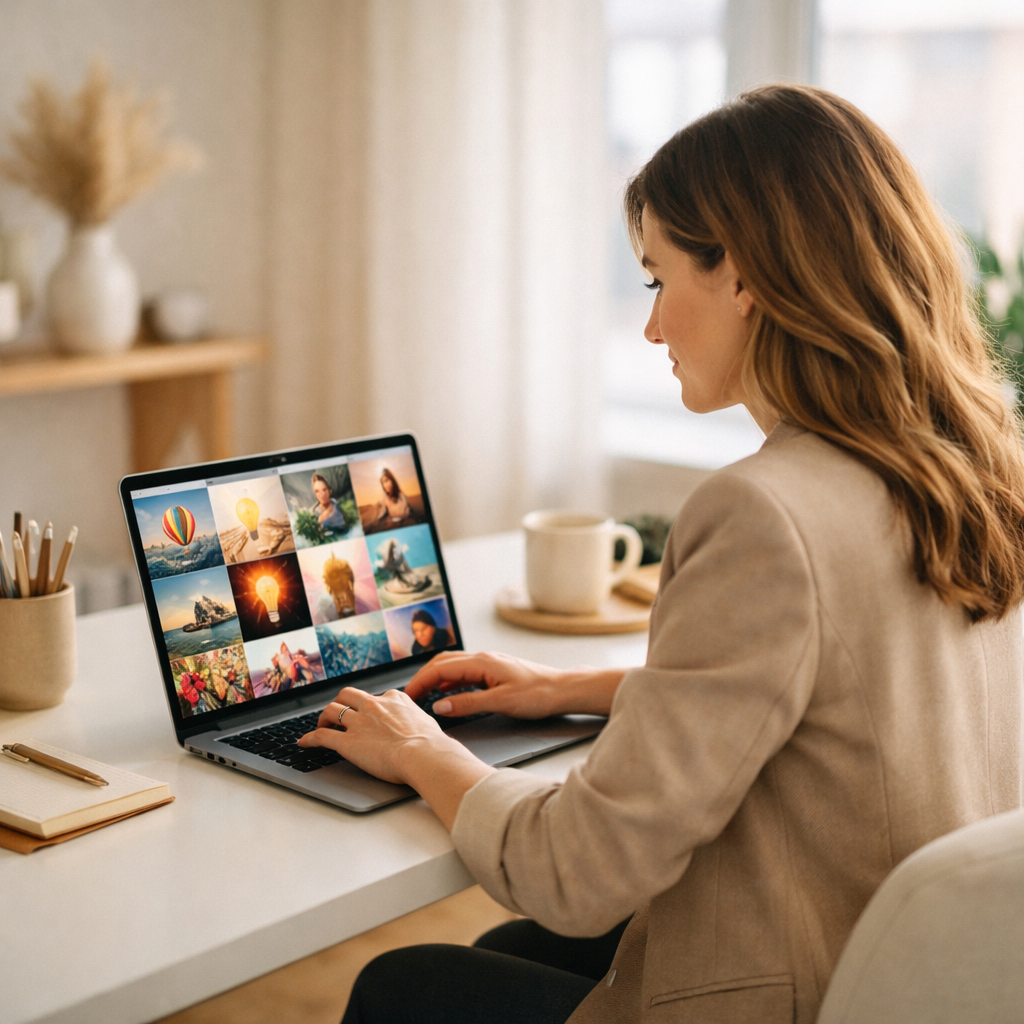
Strip away the buzzwords and here is what a no-code AI image generator does: you describe what you want in plain language, and the tool creates it. That is genuinely the core of it.
Type “a cozy coffee shop in Tokyo, rainy day, warm lighting, close-up of a ceramic mug” and within seconds you have a photograph-quality image of exactly that — even though the photo was never taken, the coffee shop does not exist, and you have never visited Japan.
The underlying technology is called diffusion modeling, a form of generative AI trained on billions of images. But you do not need to understand how it works to use it, any more than you need to understand internal combustion to drive a car. The interface is a text box. The output is an image. The process takes under 60 seconds.
Modern platforms take this further. Many let you:
- Upload a reference image and generate variations of it
- Remove or replace backgrounds with a single click
- Apply consistent style or brand colors across a batch of images
- Generate product photos without a physical photoshoot
- Create images in specific aspect ratios for different platforms — Instagram square, YouTube thumbnail, LinkedIn banner
None of these require design knowledge. They require a clear idea of what you want — and that is something every business owner already has. If you are new to the broader world of building with AI tools, this guide to no-code AI app builders is a great place to start building that foundation.
A Real Walkthrough: From Zero to Polished Visual
Here is what the process actually looks like, step by step, for someone who has never used one of these tools before.
Step one: Open the platform and find the image generation feature. Most no-code AI image generators present you with a clean interface — a large text box labeled something like “Describe your image.”
Step two: Write your prompt. This is where most beginners get stuck, but it is simpler than it looks. Think of it like giving directions to a very literal-minded assistant. Be specific about the subject, the setting, the mood, and the style. “A professional woman reviewing documents at a minimalist desk, natural light, neutral tones, editorial photography style” will produce something far more useful than “woman working.”
Step three: Choose your settings. Most platforms offer a few sliders or dropdown menus — image size, style preset (photorealistic, illustration, watercolor, etc.), and sometimes a “creativity” level. These take about 30 seconds to adjust.
Step four: Generate and review. The tool produces two to four variations in under a minute. You pick the one you like, or regenerate with a tweaked prompt. There is no commitment, no cost per revision — you iterate until it is right.
Step five: Download and use. High-resolution files are ready to drop into your website, email, social post, or presentation immediately.
Total time from “I need an image” to “I have a great image”: typically 5 to 15 minutes for a beginner. After a week of practice, most users get it down to under five.
Where Non-Designers Are Using This Right Now
The use cases that have taken off fastest are not the ones you would expect from an “AI art” conversation. They are intensely practical.
Social media content. A fitness coach in Melbourne uses a no-code AI image generator to produce 20 unique motivational images every Sunday evening. Each one matches her brand colors and aesthetic. Before AI, she was spending $200/month on stock photo subscriptions and still felt like her feed looked generic.
Blog and article headers. Content marketers have discovered that AI-generated custom headers dramatically reduce the time spent hunting through stock photo libraries. More importantly, the images are exclusive — they will not appear on a competitor’s site.
Product mockups. E-commerce sellers are generating lifestyle product photos without a studio. An Etsy seller with handmade candles can create a dozen styled product photos — the candle on a marble countertop, next to a book on a windowsill, surrounded by autumn leaves — in the time it would take to schedule a single photoshoot.
Pitch decks and presentations. Startup founders are replacing generic stock photos in investor decks with on-brand custom visuals that actually illustrate their product’s value proposition.
Email marketing visuals. Agencies running campaigns for small businesses use AI image generators to create campaign-specific visuals for each send, rather than recycling the same header art across every email.

Getting Better Results: Prompt Writing That Actually Works
The single biggest factor in output quality is not which tool you use — it is how clearly you describe what you want. A few principles make a dramatic difference.
Be specific about style. “Photo style,” “flat illustration,” “watercolor painting,” “3D render,” and “vintage poster” each produce completely different results. Pick one and state it explicitly.
Describe the lighting. “Natural afternoon light streaming through a window” and “dramatic studio lighting with dark background” are not the same image, even if the subject is identical. Lighting defines mood, and mood is what makes people stop scrolling.
Mention the perspective. “Close-up,” “wide-angle,” “bird’s eye view,” and “eye level” tell the AI where to place the camera. Without this, the tool will make a guess — and it may not match what you had in mind.
Add texture and detail descriptors. Words like “smooth,” “textured,” “highly detailed,” and “minimalist” shape the visual complexity of the output. A “minimalist flat lay with clean white background” looks nothing like a “richly textured rustic flat lay on reclaimed wood.”
Avoid negative instructions. Instead of saying “no text in the image,” describe what you do want: “pure image, no overlays.” The AI responds better to positive instructions.
Most beginners improve dramatically within their first five to ten generations. The learning curve is genuinely shallow.
What to Look for When Choosing a Platform
By early 2026, the no-code AI image generator market has fragmented into dozens of tools, each with different strengths. Here is what actually matters when choosing one.
Output quality and style range. Look for platforms that support multiple visual styles — photorealistic, illustrated, abstract — rather than ones that specialize in a single aesthetic. Your needs will evolve.
Integration with your existing workflow. Some platforms sit inside broader no-code AI tools that also handle other tasks — content writing, workflow automation, data analysis. If you are already using a platform for other business tasks, check whether it includes image generation. Consolidating tools saves time and subscription costs.
Commercial usage rights. Not all AI-generated images come with clear commercial licensing. Before using generated images in paid advertising, product packaging, or client work, confirm the platform’s terms explicitly.
Batch generation. If you need volume — weekly social calendars, product catalog photos — look for platforms that let you generate multiple images from a single prompt in one go.
Brand consistency features. The more advanced platforms allow you to upload a style reference or brand kit, ensuring every generated image shares the same visual language. For businesses trying to maintain a coherent brand identity, this is significant.
Platforms like Zygote.AI have started integrating image generation directly into broader AI creation suites, so entrepreneurs can produce a visual, then immediately use it in a landing page, email, or social post — all without switching tools. Research on AI image marketing strategy consistently shows that businesses using integrated workflows produce more content with greater consistency — which compounds over time into stronger brand recognition. That kind of integration changes how quickly ideas can move from concept to published content.
The Bigger Picture: Creativity Without Gatekeeping
There is something worth saying about what this technology represents beyond its practical utility.
For most of human history, the ability to create compelling visual art required years of training. Design skill was a genuine barrier — not a moral one, just a practical one. Access to professional visuals meant access to professionals, which meant access to money.
No-code AI image generators do not make everyone a designer. They do something arguably more useful: they make the results of design accessible to everyone with a clear idea and the curiosity to try.
Maria in Austin is not a designer. She is a skincare entrepreneur who understands her customers and knows what her brand should feel like. The tool just gives her a way to express that without needing to learn Illustrator or hire someone who has.
That is exactly what Zygote.AI is built around — the principle that great ideas should never be limited by the absence of a specific technical skill. When the tools catch up to the ideas, the people with the best ideas win. And that is a shift worth paying attention to.