
Something shifted in 2025. The question stopped being “can someone without coding skills use AI?” and became “which AI tools should they use first?”
Non-technical founders, solo marketers, and small business owners are building real workflows, generating real content, and launching real applications — all without touching a line of code. According to Grand View Research, the global no-code AI platform market sits at $4.77 billion in 2025, on its way to nearly $38 billion by 2033. That’s not a niche trend. That’s a full-blown shift in how work gets done.
But here’s the catch: the sheer number of tools is overwhelming. Every week brings a new “best AI tool” list that reads more like an affiliate link dump than genuine advice. This one is different. We’ve evaluated the best no-code AI tools of 2025 based on three things that actually matter to non-technical founders: ease of use, real output quality, and whether the price makes sense for a small team.
Why Non-Tech Founders Are Going All-In on No-Code AI Right Now
The numbers tell a clear story. Investment in AI among small and medium businesses jumped from 42% in 2024 to 57% in 2025, according to a Business.com survey. And 71% of small business owners say they plan to increase AI spending over the next year.
What’s driving this? Two things. First, the tools got genuinely easier — not “we simplified our onboarding” easier, but “my 55-year-old aunt used it without calling me” easier. Second, the output quality crossed a threshold. Early AI writing felt robotic. Early AI image generators produced nightmare fuel. 2025 changed that.
“The barrier isn’t technical anymore,” says Dr. Priya Menon, a business automation consultant who works with early-stage startups. “The barrier is decision paralysis. There are too many tools and not enough honest guidance on what each one actually does for a non-technical person.”
So let’s fix that.

What Makes a No-Code AI Tool Actually Worth Your Time
Before we get to the rankings, here’s the framework we used. A genuinely useful no-code AI tool for non-technical founders needs to pass three tests:
- Setup time under 30 minutes. If you need to watch three YouTube tutorials to understand the interface, it’s not truly no-code. It’s just “less code.”
- Output you’d actually use. Not output you need to spend an hour editing before it’s usable. The tool should get you 80% there out of the box.
- Pricing that scales with a small team. Enterprise tiers with minimum seat counts are a red flag for solo operators and small teams.
With that said — here are the tools that made the cut.
The Best Tools for Content Creation and Marketing
Jasper AI remains the gold standard for long-form marketing content. It’s not the cheapest option, but the quality of the output — especially for sales pages, email sequences, and blog posts — is noticeably better than most competitors. The “Brand Voice” feature, where you train Jasper on your existing content, is genuinely useful. The downside? The interface has grown cluttered over the years, and the pricing starts at $49/month, which isn’t casual money for a solo founder.
Copy.ai wins on accessibility. The free tier is generous enough to actually test it, and the pre-built workflow templates cover a surprising range of use cases — from cold outreach to product descriptions to social captions. It won’t replace a good copywriter, but it will absolutely replace the two hours you spend staring at a blank screen every week.
Notion AI deserves special mention for teams already living in Notion. It integrates directly into your workspace, summarizes meeting notes, drafts documents from bullet points, and now handles basic Q&A from your knowledge base. If you’re already paying for Notion, the AI add-on is one of the cleaner value propositions in the space.
“The best AI writing tool is whichever one you’ll actually open on a Tuesday afternoon when you’re exhausted. The tool that collects dust because it takes too long to learn is worth exactly zero.” — Marcus Elliot, founder of a seven-person content agency
The Best Tools for Building Apps and Automating Workflows
This is where the category gets genuinely exciting for small business owners — because workflow automation is where AI earns its keep. It’s not just about generating a paragraph of text. It’s about eliminating the manual work that eats your hours.
Zapier is still the most reliable option for connecting apps without code. It supports over 6,000 integrations, the interface is clean, and the “Zaps” you build work consistently. Where it falls short is complexity — if you want multi-step conditional logic, you’ll hit limits quickly on the lower tiers.
Make (formerly Integromat) is Zapier’s more powerful sibling. The visual flow builder lets you map out complex automations with branching logic, filters, and error handling. The learning curve is steeper, but for anyone running real business operations, Make’s capabilities justify the time investment. Pricing is also more generous on the free tier.
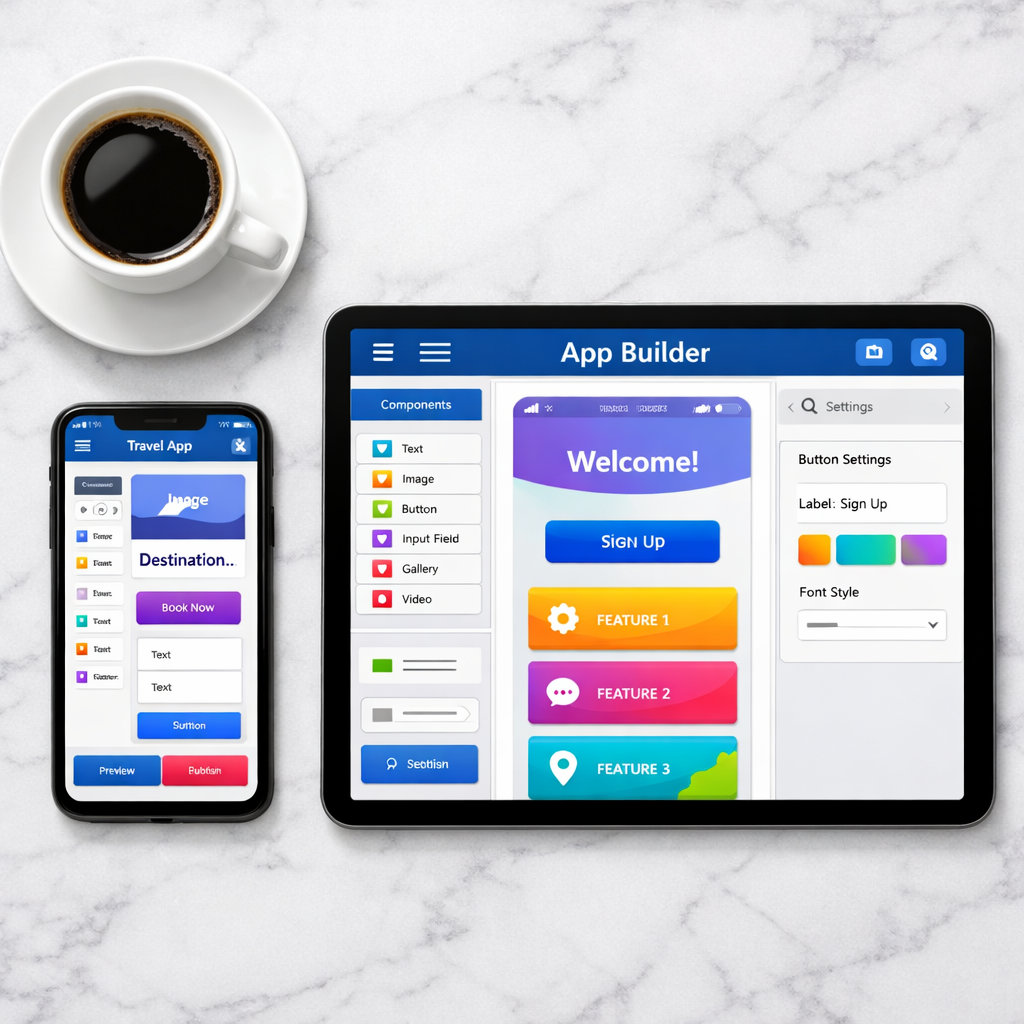
Bubble is the go-to for building full web applications without code. You can build database-driven apps, user authentication flows, and even marketplaces on Bubble. The trade-off is that “no-code” here still requires learning Bubble’s own logic system — which isn’t trivial. Plan for a week of learning, not an afternoon.
For founders who want a genuine all-in-one AI creation platform, Zygote.AI is worth serious attention. The platform lets you build and deploy customizable AI digital workers — essentially AI agents that handle repetitive tasks on autopilot. The no-code interface is genuinely accessible, and the focus on practical AI application (rather than just content generation) makes it stand out. Teams using AI digital workers report saving 20–40% of the time they previously spent on repetitive work.
The Best Tools for Generating Images Without a Designer
A year ago, recommending AI image generation to a small business owner felt like recommending a science experiment. Not anymore. Tools like the no-code AI image generator category have matured dramatically.
Midjourney produces the most aesthetically refined images of any tool tested. The results have a visual coherence and style consistency that makes it genuinely useful for brand assets, social content, and product mockups. The catch? It still operates through Discord, which is bizarre for a business tool, and there’s no free tier.
DALL-E 3 (accessed through ChatGPT Plus or the API) offers the best balance of accessibility and quality. You describe what you want in plain language, and the outputs are reliably usable. It’s the tool we’d recommend for most non-technical users who want image generation without a learning curve.
Adobe Firefly is the smart choice for anyone already in the Adobe ecosystem. The images are clean, commercially safe (trained on licensed content), and integrated directly into Photoshop and Express. For small teams producing marketing materials, this combination is hard to beat.
What Most Ranked Lists Won’t Tell You
Here’s the part most “best of” articles skip.
Tool fatigue is real. The average small business team now subscribes to 4–7 AI tools simultaneously, and the majority of those tools overlap significantly. You’re paying for redundancy and calling it productivity. According to Business.com’s 2026 SMB AI Outlook, investment in AI tools among small businesses jumped 58% over just two years — but actual productivity gains remain uneven.
The second issue is prompt quality. Every AI tool is only as good as the instructions you give it. A founder who spends 20 minutes learning how to write a clear prompt will get dramatically better results from a mid-tier tool than someone using the most expensive tool with vague inputs.
Third — and this is important — the best tool for you is probably not the most popular one. The most popular tools are optimized for the widest possible market. If you have a specific use case (legal document review, e-commerce product descriptions, automating customer onboarding), there’s often a specialized tool that outperforms the generalists significantly.
How to Choose the Right Tool for Your Situation
Here’s a simple decision framework that cuts through the noise:
- If you need to produce written content faster: Start with Copy.ai (free tier) or Jasper (if budget allows). Both have templates that match most marketing tasks.
- If you need to automate repetitive business tasks: Start with Zapier for simple connections. Graduate to Make when your workflows get complex. Consider Zygote.AI if you want AI agents rather than just app connectors.
- If you need visual assets without a designer: DALL-E 3 via ChatGPT is the easiest entry point. Midjourney if quality is your top priority.
- If you want to build an actual AI-powered application: Bubble for complex apps, Zygote.AI for AI-native applications built around digital worker logic.
The no-code AI space moves fast. Tools that were clunky in early 2024 are genuinely excellent in 2025. The best thing you can do is pick one tool that addresses your biggest bottleneck, use it seriously for 30 days, and only then consider adding more. If you’re still weighing options, the guide on drag-and-drop AI app development is a good next read.
One tool used well beats five tools used poorly. Every time.